


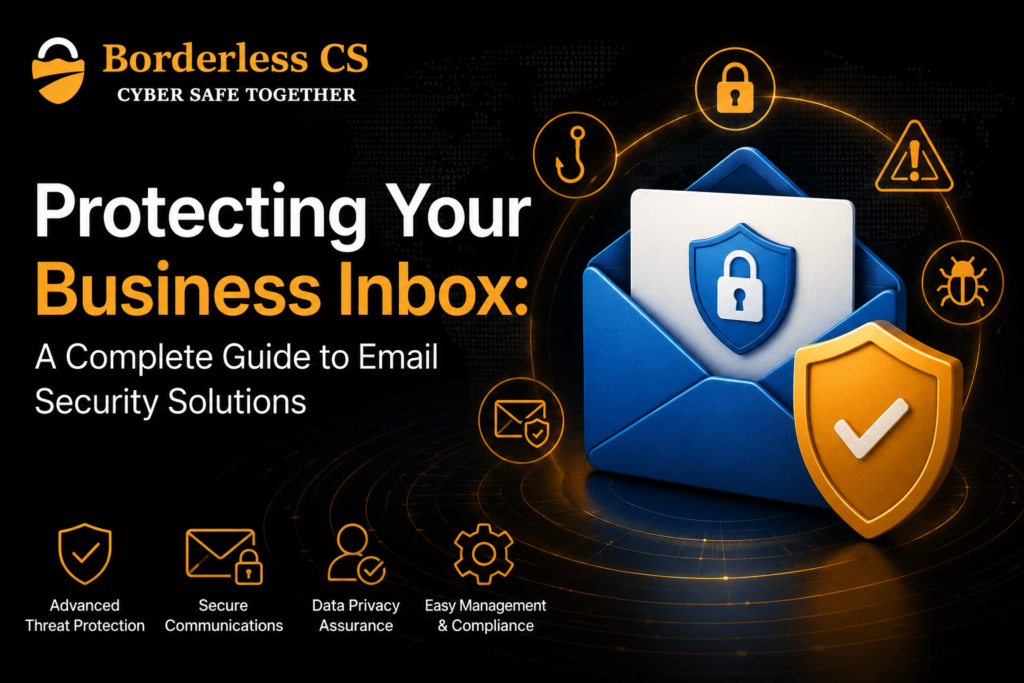
Protecting Your Business Inbox: A Complete Guide to Email Security Solutions
Objective
Our goal is simple: help you understand how email security solutions can protect your business from phishing, malware, spoofing and business email compromise, and show you which controls are worth checking first.
Key Takeaways
- Email security solutions should protect against malware, phishing, the spoofing of account information and account compromise.
- MFA, SPF, DKIM and DMARC add important layers of protection.
- Microsoft 365 includes built-in security for your emails; however, your settings must be monitored and reviewed.
- Email security services can help when your internal team does not have the time or expertise to monitor threats.
- A good security plan protects both your inbox and the people who use it.
Introduction
You open your inbox and see an email from a supplier asking you to change the bank details for the next payment. The name, logo and message look familiar, so it seems safe to act. But what if the email is not really from your supplier?
This is the kind of situation that makes security for email so crucial. Cybercriminals may use phishing and fake domains as well as stolen passwords and compromised accounts to take on the identity of trusted businesses and individuals. The Australian Cyber Security Centre warns that business email compromise can be used to steal sensitive information or trick businesses into sending money to criminals.
The good news is that protecting your inbox does not have to be complicated. The right email security solutions can combine phishing and malware protection with MFA, SPF, DKIM, DMARC, monitoring and clear staff procedures. In this guide, we’ll break down what your business should look for, how to strengthen your existing setup and when professional email security services may be worth considering.
Table of Contents
- Why Your Business Inbox Needs Protection
- What Should Email Security Solutions Include?
- Four Steps to Strengthen Your Email Security
- Microsoft 365 and Business Email Security
- When Do You Need Email Security Services?
- FAQs
- Protect Your Inbox Before an Attack
Why Your Business Inbox Needs Protection
Imagine your accounts team receives an email that appears to be from a regular supplier. It asks for a bank account change before the next invoice is paid. The email looks normal, so someone updates the payment details.
That simple action can lead to business email compromise (BEC).
The Australian Cyber Security Centre (ACSC) warns that criminals can use compromised accounts or lookalike domains to impersonate businesses and trick organisations into sending money or sensitive information.
Phishing, malicious attachments, fake login pages and malware create similar risks. Once an attacker gains access to an account, they may also read private messages, send emails as the employee or attempt password resets for other services.
What Should Email Security Solutions Include?
A useful solution should do more than remove obvious spam.
Security control | What it helps protect against |
Anti-phishing | Fake messages and credential theft |
Malware scanning | Malicious attachments and files |
SPF, DKIM and DMARC | Domain spoofing |
MFA | Unauthorised account access |
Encryption | Exposure of sensitive messages |
Monitoring | Suspicious activity and account changes |
SPF, DKIM and DMARC
These three controls help receiving mail systems check whether messages are genuinely authorised by your domain.
SPF identifies approved email sources. DKIM adds a digital signature to help verify the message. DMARC uses authentication results and a policy to help receiving systems handle messages that fail checks.
Microsoft’s current guidance recommends using SPF, DKIM and DMARC together because SPF alone does not provide enough protection against spoofing.
Four Steps to Strengthen Your Email Security
1. Turn on MFA
Start with every important business email account. MFA requires more than one form of verification and makes it harder for an attacker to access an account with a stolen password. The ACSC recommends enabling MFA, particularly for email accounts.
2. Check your domain authentication
Ask your IT service provider to look over your SPF, DKIM and DMARC records. This is crucial in the event that you send emails via multiple platforms, like Microsoft 365, CRM systems or marketing tools.
3. Train your team
Your staff should know to stop and verify requests involving:
- Bank account changes
- Urgent payments
- Unexpected attachments
- Login requests
- Unusual requests from senior staff
The ACSC recommends verifying unusual payment or account requests through a known phone number rather than relying on details supplied in the email.
4. Review account activity
If an employee reports something unusual, check recent sign-ins, forwarding rules, sent messages and password recovery settings. These checks can reveal signs of compromise.
Microsoft 365 and Business Email Security
Microsoft 365 already provides built-in security for cloud mailboxes, including anti-spam and anti-malware protection. Advanced Microsoft Defender for Office 365 capabilities can add protection against phishing, spoofing and other threats.
Here’s the thing: having Microsoft 365 does not mean every security setting is automatically right for your business.
Your team should review authentication, anti-phishing policies, account protection and monitoring. If your business also uses other email systems or services, your email server security and domain settings should be checked as part of the wider plan.
When Do You Need Email Security Services?
Some businesses have an internal IT team that can manage email security. Others have one person handling IT alongside many other responsibilities.
That is where email security services can be useful.
A managed provider can support security monitoring, threat detection, incident response, phishing protection and staff awareness. Borderless CS, for example, includes email security and phishing protection within its managed security packages, alongside monitoring, incident response, endpoint protection and security awareness training.
For an SME without dedicated security staff, this can provide specialist support without building a large internal security function.
Protect Your Business Inbox Before an Attack
Email security is not a single product or setting. It is a combination of technology, secure account controls, domain authentication, staff awareness and regular monitoring.
Start with MFA and your SPF, DKIM and DMARC configuration. Then review your anti-phishing controls, user training and incident response process.
If you are unsure whether your current setup is giving your business enough protection, Borderless CS can assess your cybersecurity needs and help strengthen your email and wider security controls. Its Australian-focused services include managed security, email security and phishing protection.
What are email security solutions?
Email security solutions are tools and services that help protect business email from phishing, malware, spoofing, spam and unauthorised access.
Is Microsoft 365 enough to secure business email?
Microsoft 365 includes important built-in protections, but businesses still need to configure and review security controls such as MFA, authentication and anti-phishing policies.
What are SPF, DKIM and DMARC?
They are email authentication controls that help verify whether messages are authorised to use your business domain and help reduce spoofing.
How can we prevent business email compromise?
Use MFA, configure SPF/DKIM/DMARC, train staff to verify unusual requests and monitor accounts for suspicious activity.
When should we use managed email security services?
They can be useful when your business lacks the internal time or expertise to configure, monitor and respond to email threats.